
How it works
Getting started with
Dentistry HR
We know the idea of setting up a new system can feel daunting, and most practices simply don’t have the time or headspace to move to a new system. That’s why we take all the leg work out of it. You’ll be guided through it, step by step, making the process as smooth and straightforward as possible.
Getting started is simple
Step one
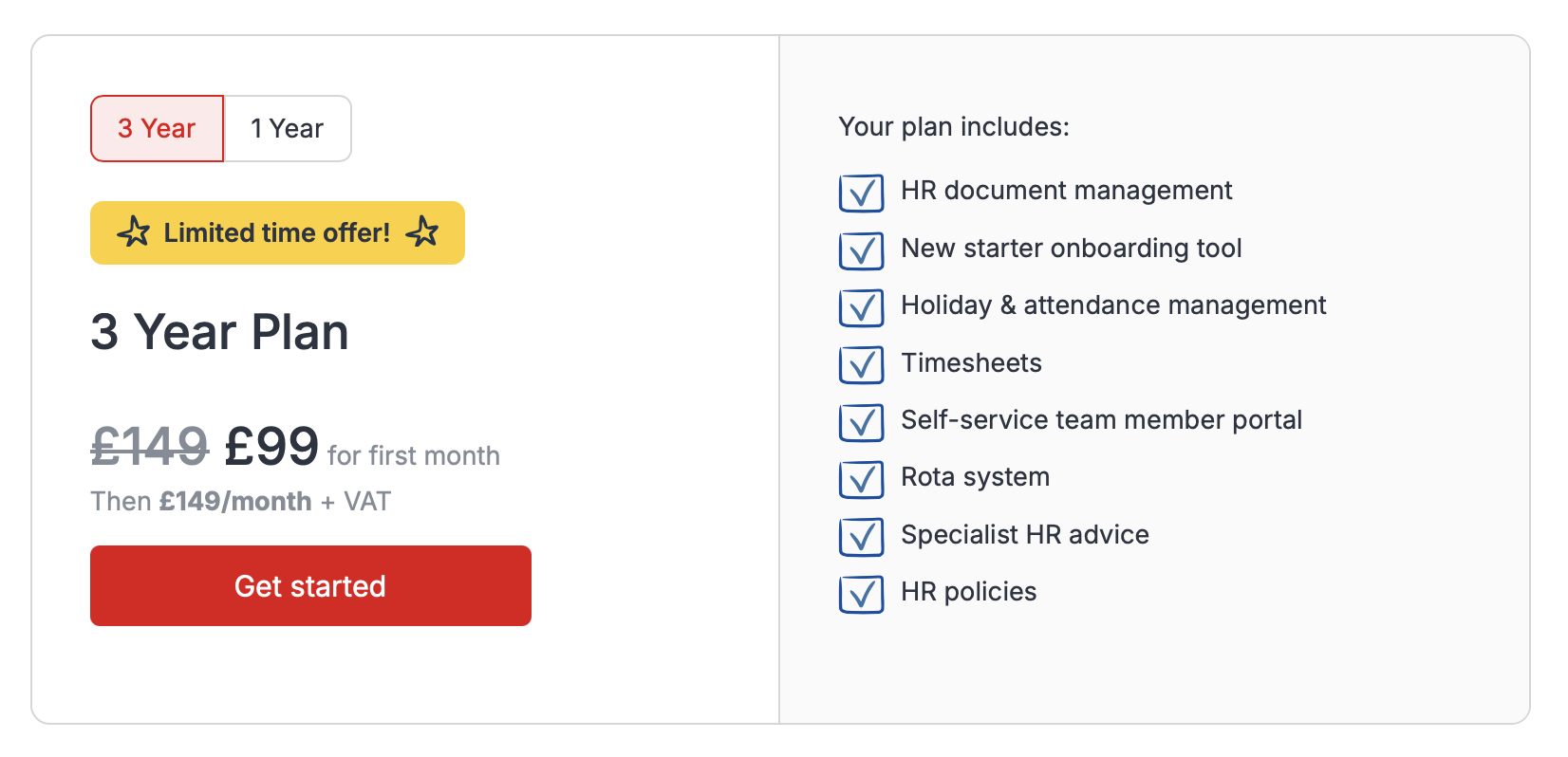
Select Dentistry HR
Pick the option that fits your practice, either for 1 year or make a saving with 3.
Step two
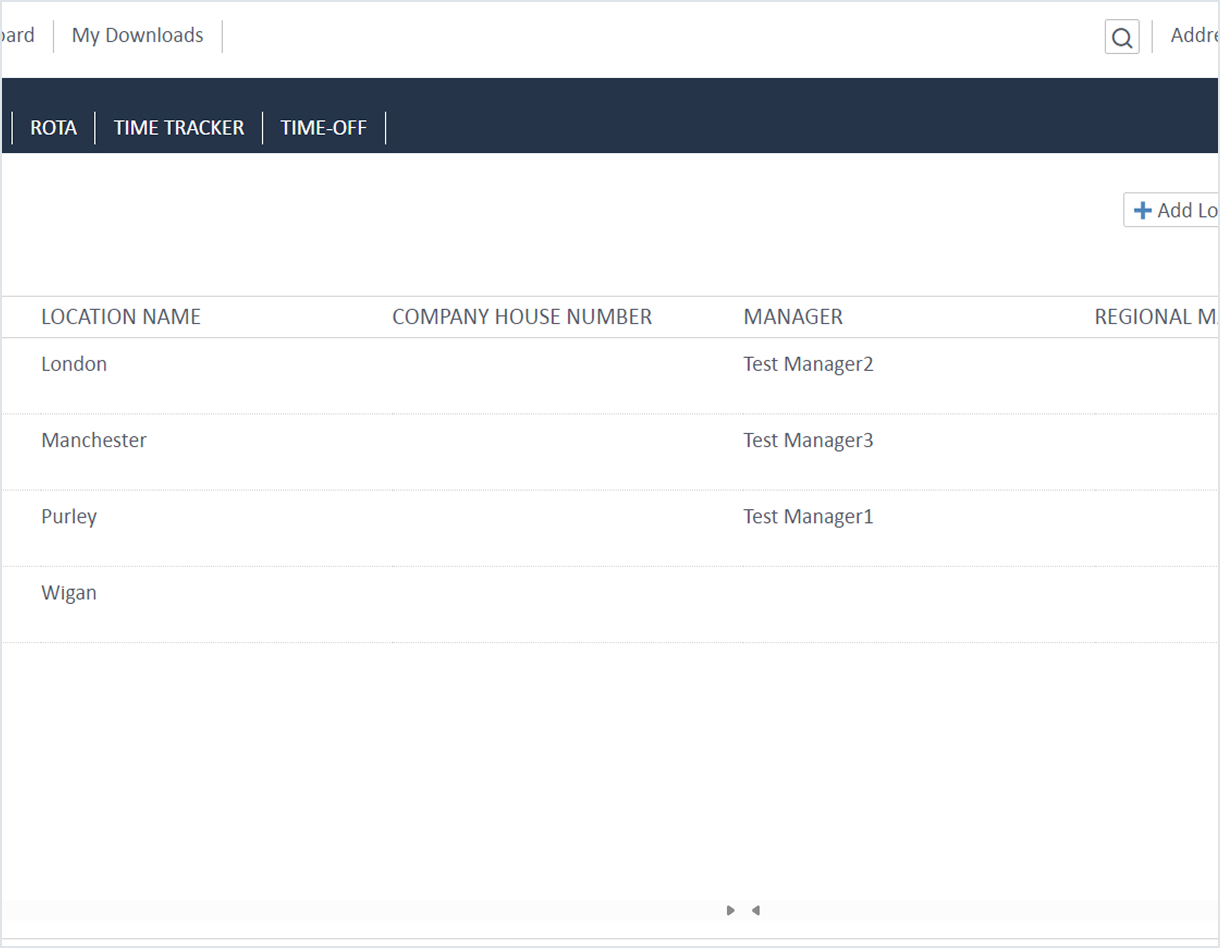
Add your practice details
Locations, work areas, departments and job titles.
Step three
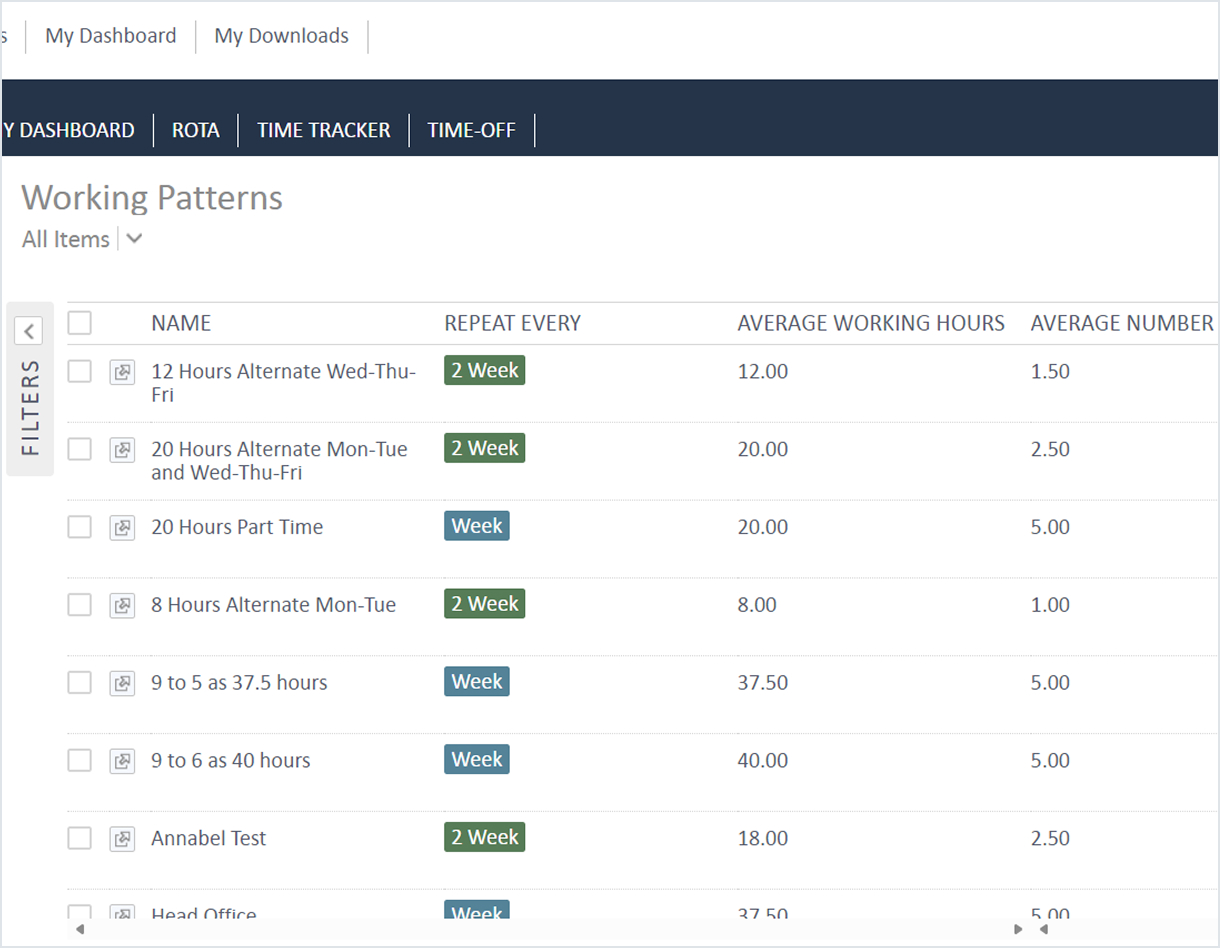
Add working patterns
Dentistry HR can help manage all working patterns with a drop down of standard times or an opportunity to add bespoke working hours for employees.
Step four
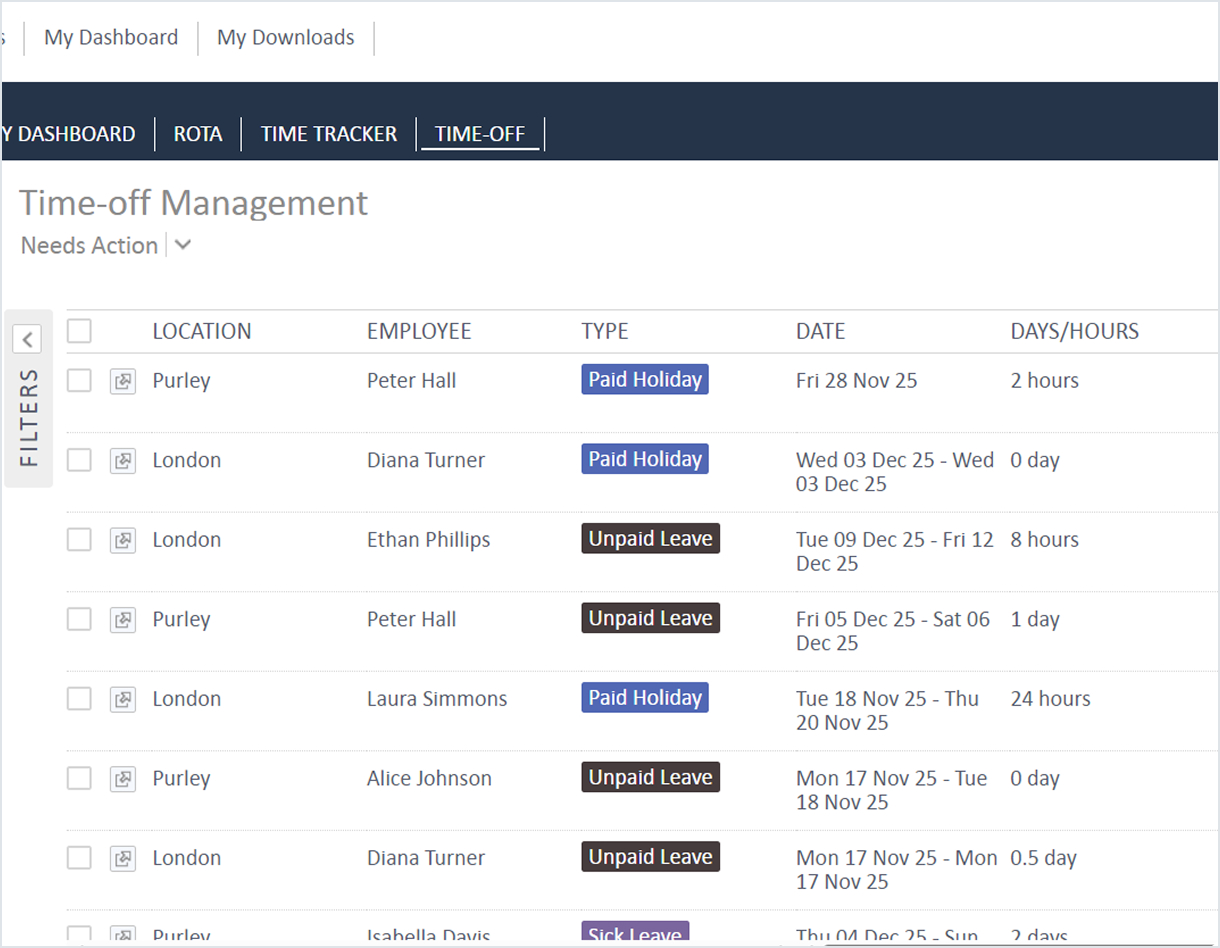
Time-off policies
Define how much leave people get and how it’s calculated. Use this page to decide the right type, then jump to the detail pages to configure.
Step five
Payroll management
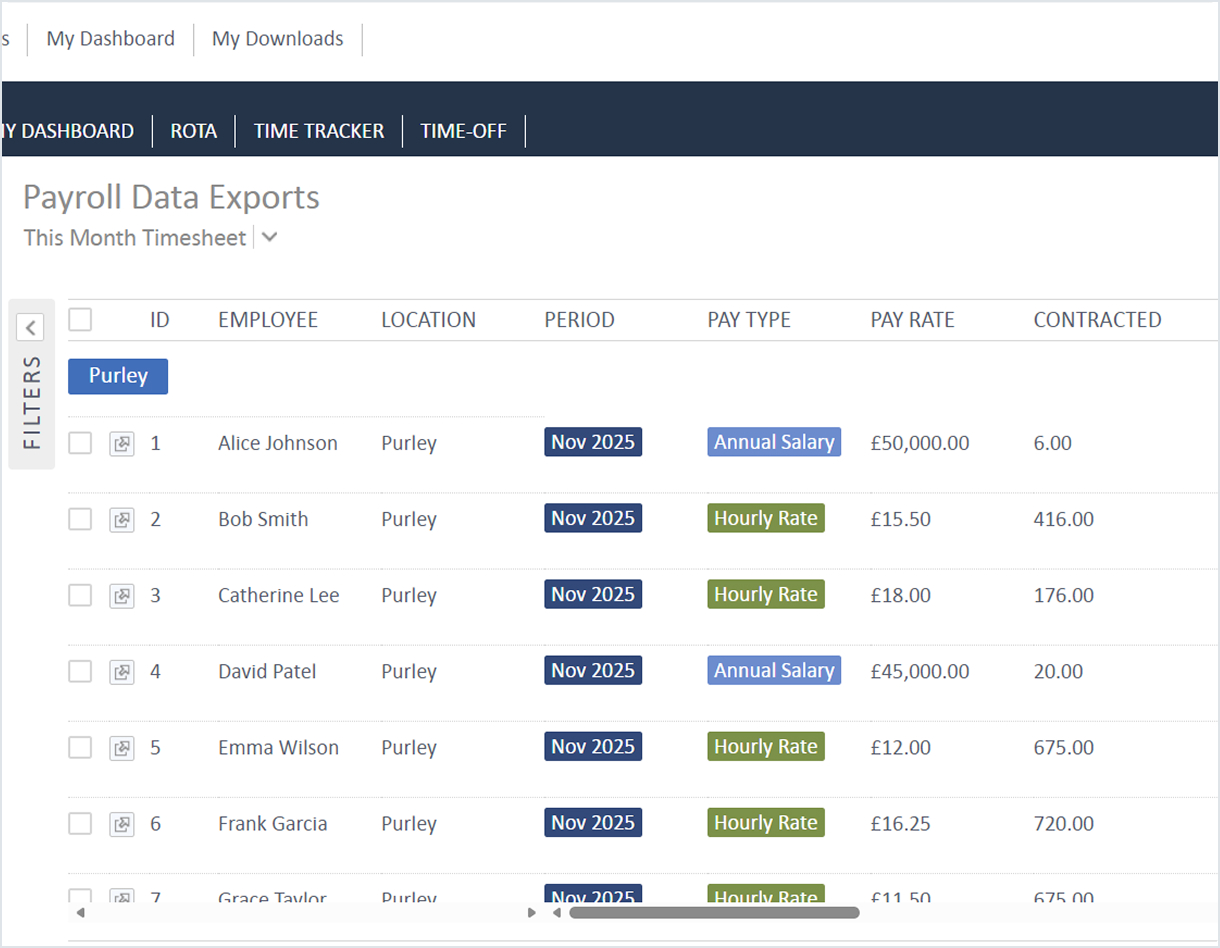
All data from timesheets, rotas, leave and employee records is collated and reportable to share with your accountant or payroll team.
Need help getting started?
Every dental practice is different, so we tailor the onboarding experience to fit your needs. New practices receive one-on-one training from a dedicated member of our onboarding team, guiding you step by step to make the transition as smooth as possible.

“The biggest challenge we hear from practices is the strain on teams – too much admin, not enough time and difficulty keeping everyone aligned. We’re here to simplify the complex and give practices the confidence that their HR foundation is solid.”
Lara Brewood-Green, Lead People Consultant at Dentistry HR
Common onboarding questions
Staff clock in and out using a simple mobile app on their own device. You can set this up to work automatically by location. It’s quick and easy for teams to adopt.
Rotas are built around working patterns. An auto-populate feature is used to fill in the selected weeks then tidy into a grid that can be published to staff.
All your locations can be viewed and managed in one place. You can easily switch between sites, see daily totals and move shifts where needed. Ideal for practices with flexible or shared teams.
Yes. Hours and attendance data can be exported and uploaded into your payroll system with all the information needed for payroll processing.
Ready to get started?